
Please check that the recipient name, UPI ID, or bank account details displayed in your UPI or banking application match the authorised payment information shown on this page.
Payment Details
Official House Of Trade payment information
Check that the recipient name and payment details displayed in your UPI or banking application match the authorised details above. Do not proceed if any information is different or appears suspicious.
Pay Using QR Code
Scan, verify and complete your payment
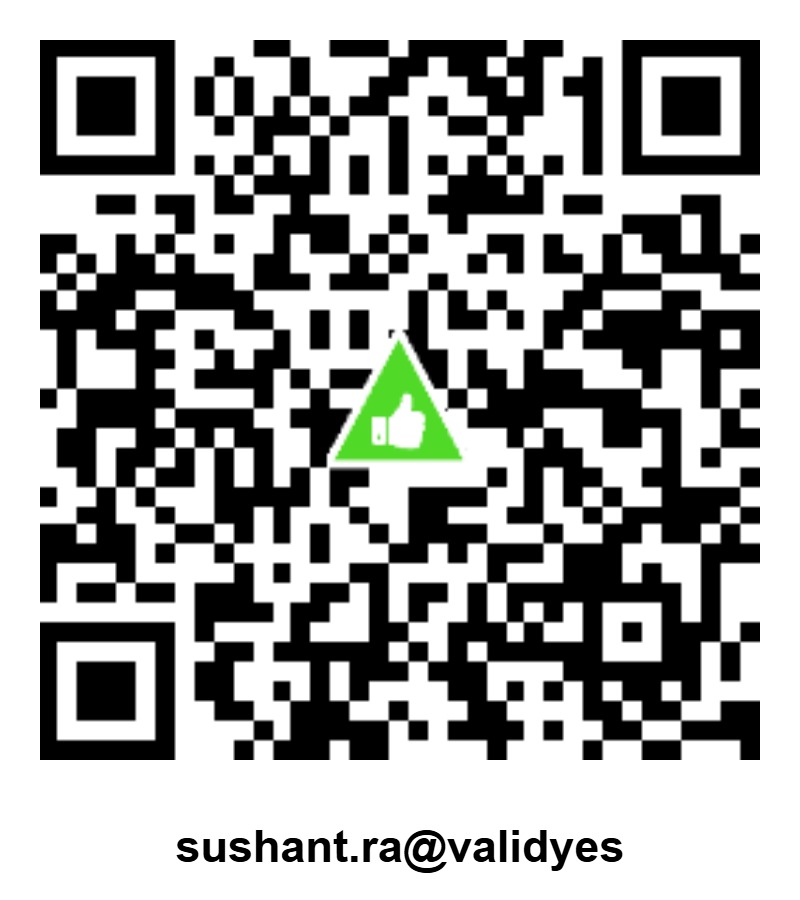
sushant.ra@validyes
📲 Scan • Verify • Pay
Scan the QR code using your preferred UPI application. Before confirming the payment, verify that the recipient details shown in your application are correct.
Use only the QR code, UPI ID and bank details officially displayed on this House Of Trade payment page. If the payment application displays different recipient information, stop the transaction and contact House Of Trade.
Payment Confirmation
Keep your transaction details safely for reference
Payment FAQs
Important information about payment transactions
Use only the official UPI ID, bank account details or QR code displayed on this page.
Yes. Always verify the recipient name and payment details shown in your UPI or banking application before confirming the transaction.
Yes. Scan the official House Of Trade QR code using your preferred UPI application and verify the recipient details before completing the payment.
Keep your payment receipt and transaction / UTR reference number safely for future reference.
Do not proceed with the payment. Contact House Of Trade for clarification before making the transaction.
Need Help?
For payment-related assistance or transaction confirmation, please contact House Of Trade.